How to Login to EdUHK HPC Platform?
Login via Web Interface
Section titled “Login via Web Interface”To logon to EdUHK HPC site web interface, please follow steps below:
- Open web-browser and access the url: https://hpclogin1.eduhk.hk
- The browser will be redirected to Microsoft Authentication page, input
EdUHK email address(e.g. acb@eduhk.hk) and clickNext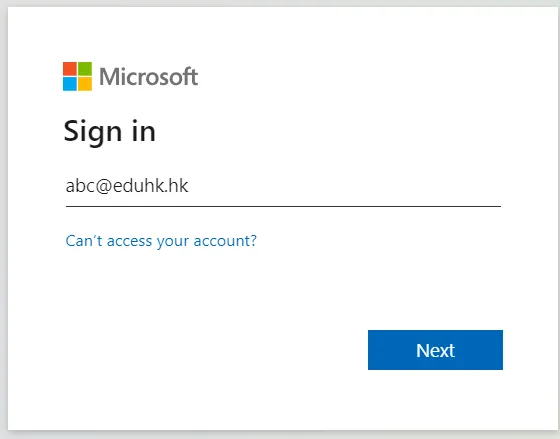
- Enter EdUHK account password and click
Sign in - Choose the method to verify user identity and follow the instruction to complete 2-factor authentication
Cluster (Web-based Shell Access)
Section titled “Cluster (Web-based Shell Access)”Clusters is a portal built in SSH client to connect HPC server’ terminal (CLI) (Login Node only)
- Click
EDUHK-HPC Shell Access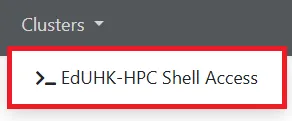
- Type
yesthen enter (for first time access only) - Input SSH password (EdUHK-user-password) to have shell access